16:00
Restaurants log what they’ll have left
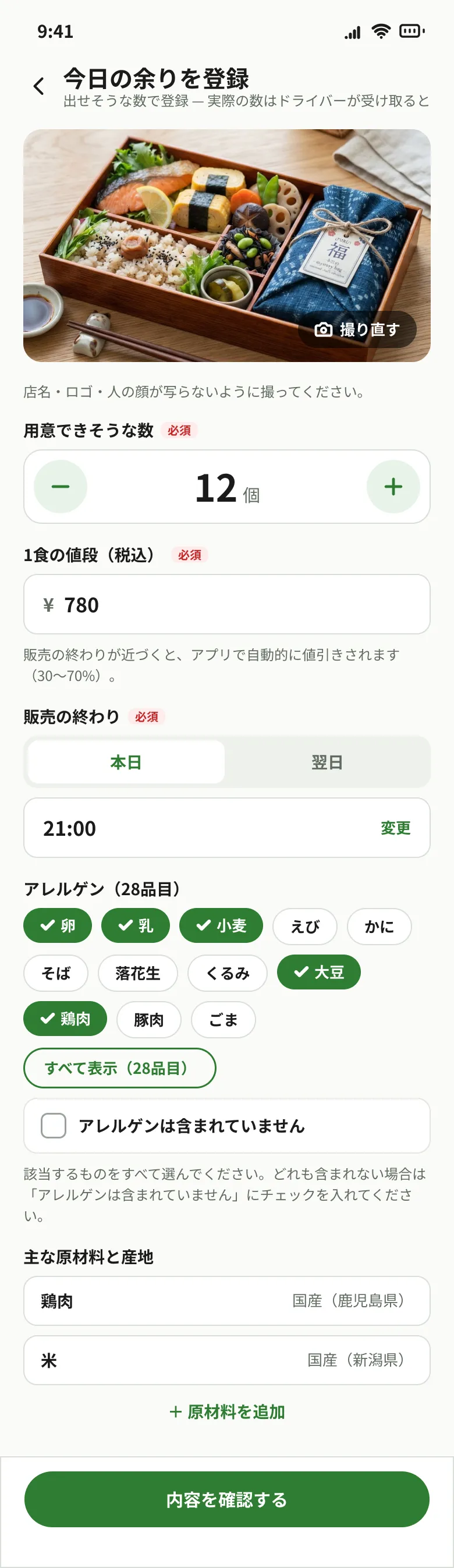
Enter quantities, sell-by times and allergens, then package meals for collection. Actual quantities are confirmed at handover.
Illustrative image
Reserve restaurant meals before they go to waste. Collect them at a pickup point near you.
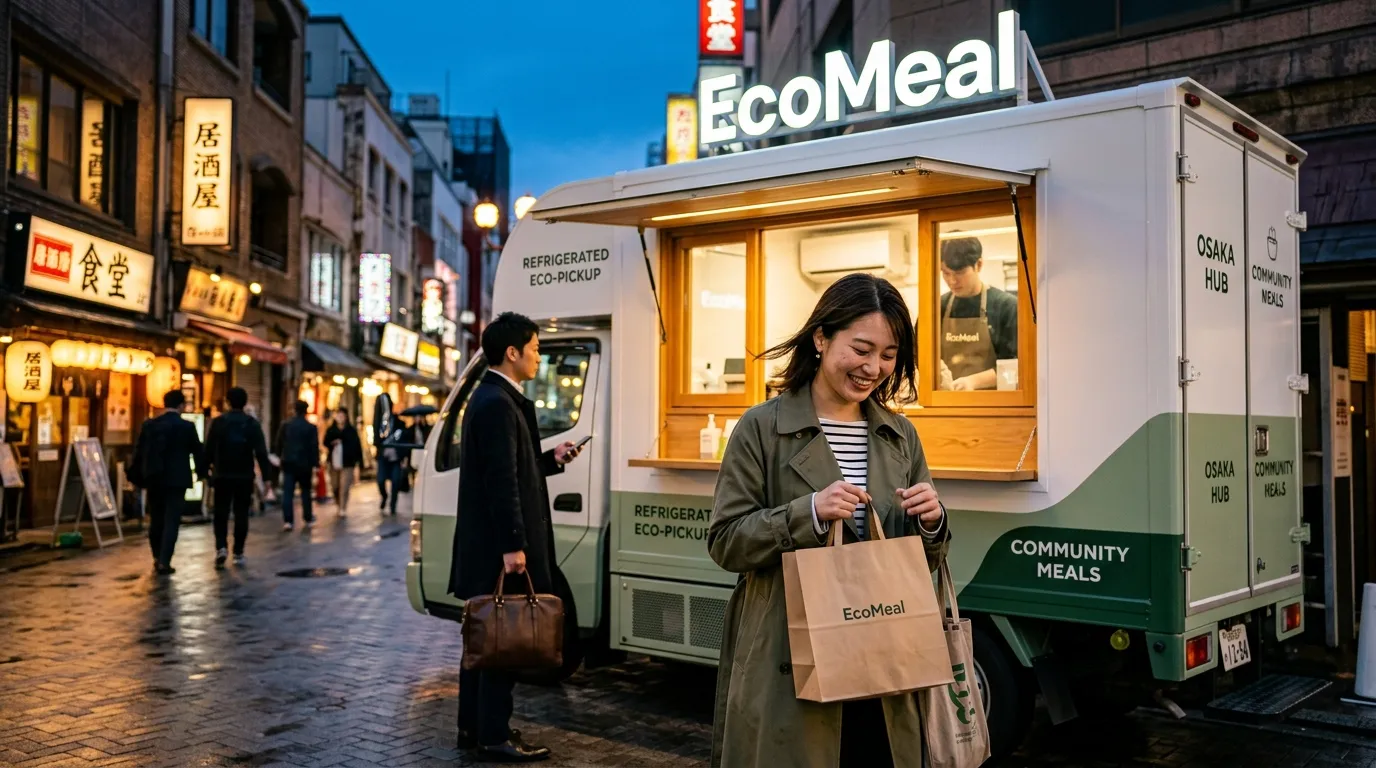
Our refrigerated Eco-Truck collects meals from restaurants and brings them to evening pickup points. This is not home delivery.
A graduation project working toward an Osaka pilot. In development and testing; the app and public sales are not available yet.
With narration and captions (starts muted, so captions show what is said). Screens show designs in development; the app itself is in Japanese.
16:00
Enter quantities, sell-by times and allergens, then package meals for collection. Actual quantities are confirmed at handover.
18:00
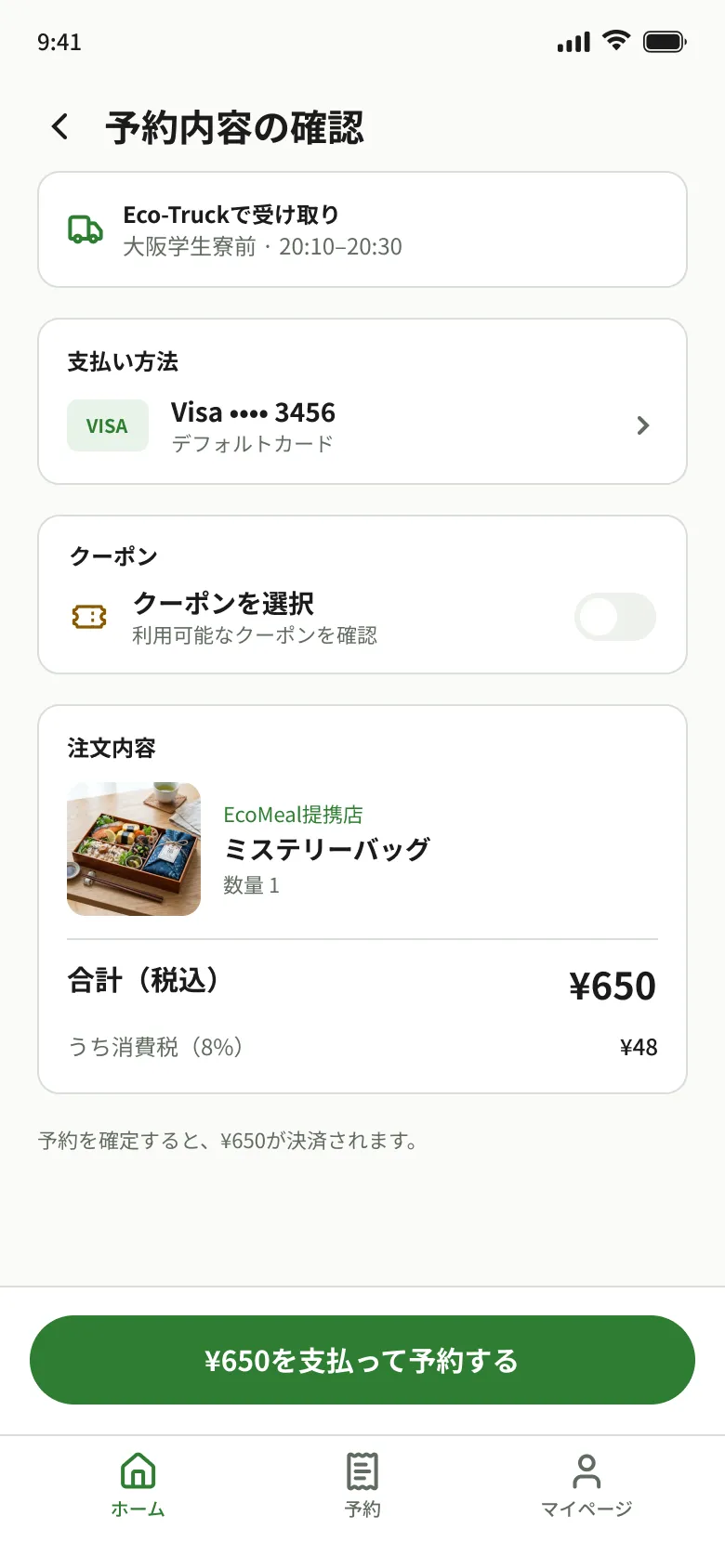
Pick a nearby pickup point and time, then pay by card to reserve. Allergens and ingredient origins are shown before you buy.
19:30
The driver records quantities and the collection temperature. The plan is to carry meals chilled to local pickup points.
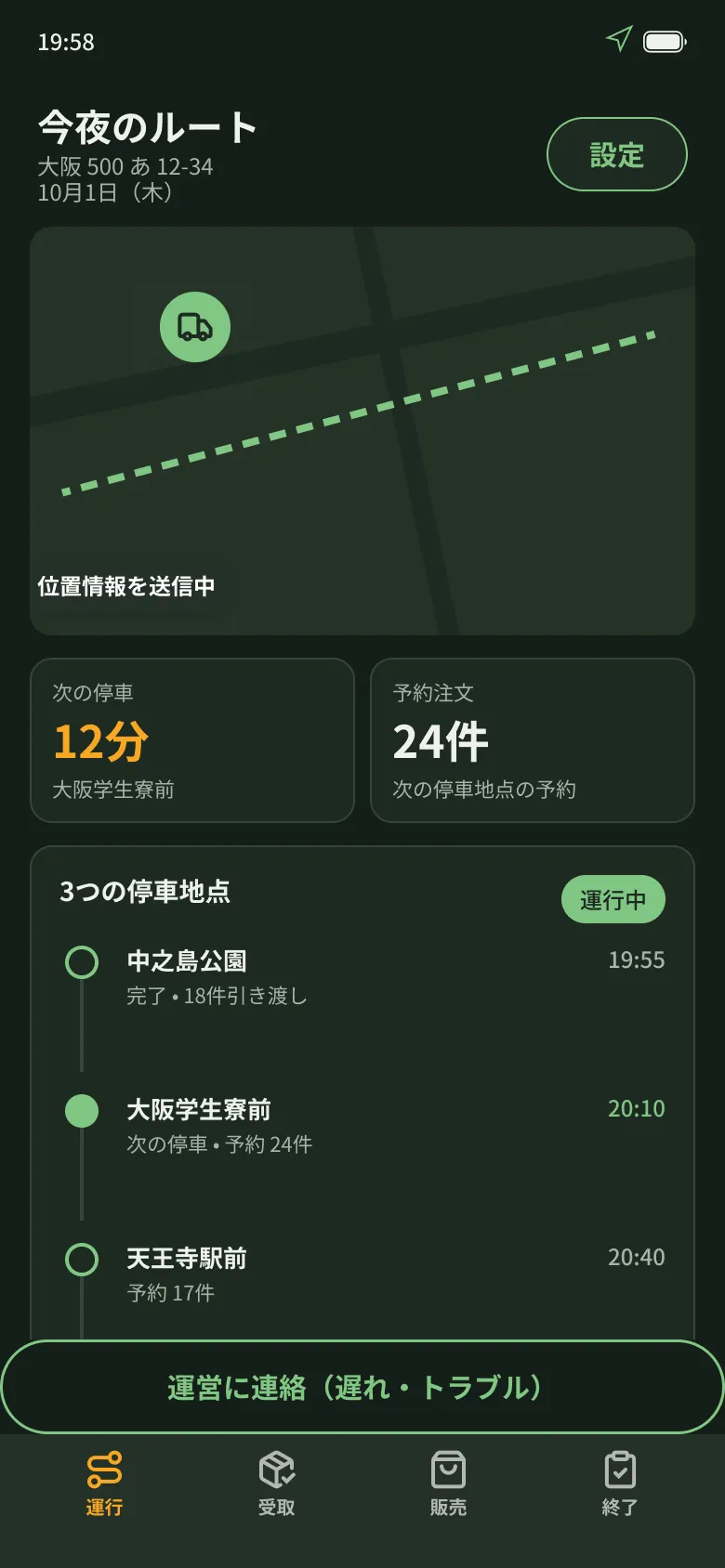
20:10
Show your QR code at the parked truck to collect your meal. Check where the truck is and when it arrives on the map. This is not home delivery.
After collecting meals at the restaurant, the truck parks at each pickup point for a set time. Meet it at the stop and time you reserved.
Drivers record any unsold meals in the app. Whether they can be donated depends on the food’s condition and the recipient’s requirements, which we check first. Using them as animal feed is still at the stage of looking for a partner.
A night when good food doesn’t go to waste.
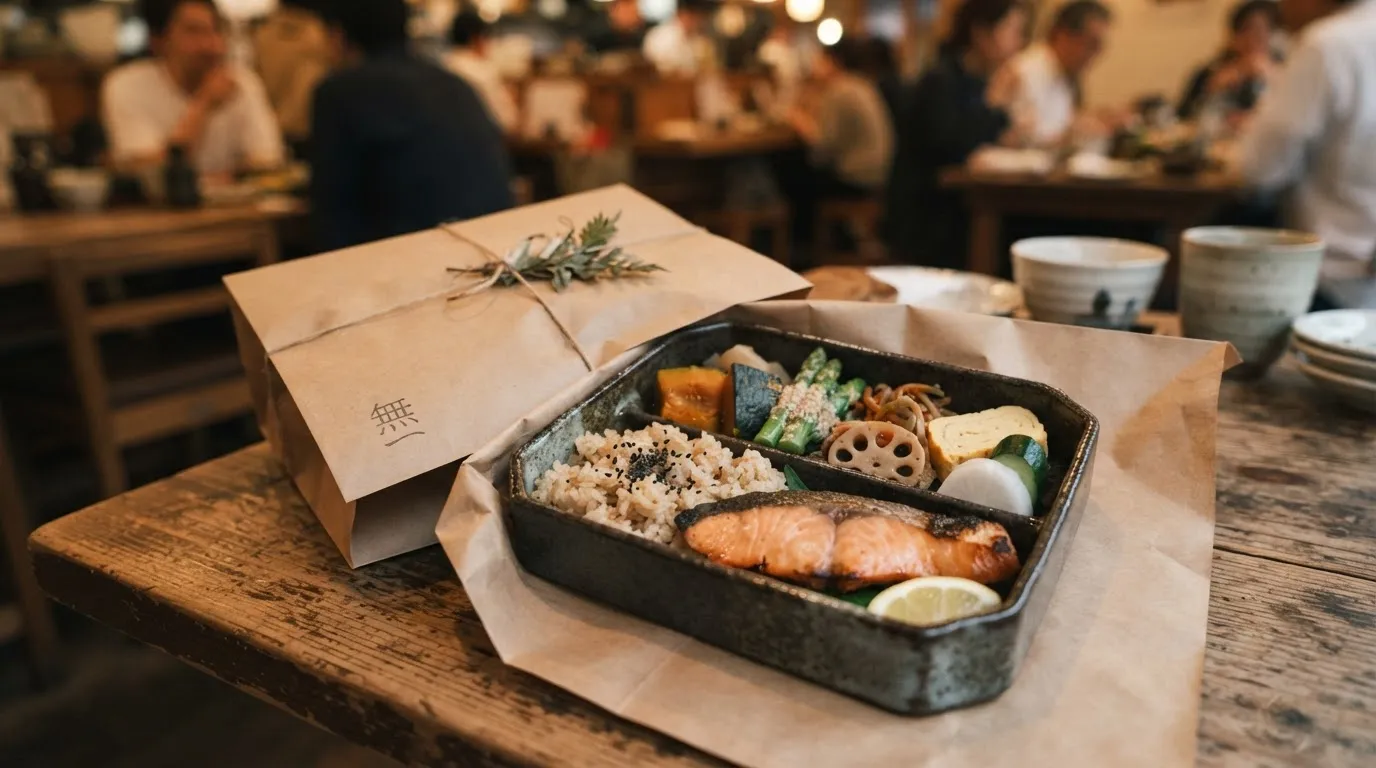
Restaurant meals at a pickup point near you, on your way home.
Explore the app25%
We plan to return a basic 25% of sales to your restaurant once customers receive their meals.
Talk to us about joiningExplore the collection and handover role. We welcome inquiries about participating in a future pilot.
Explore the roleHow the app works
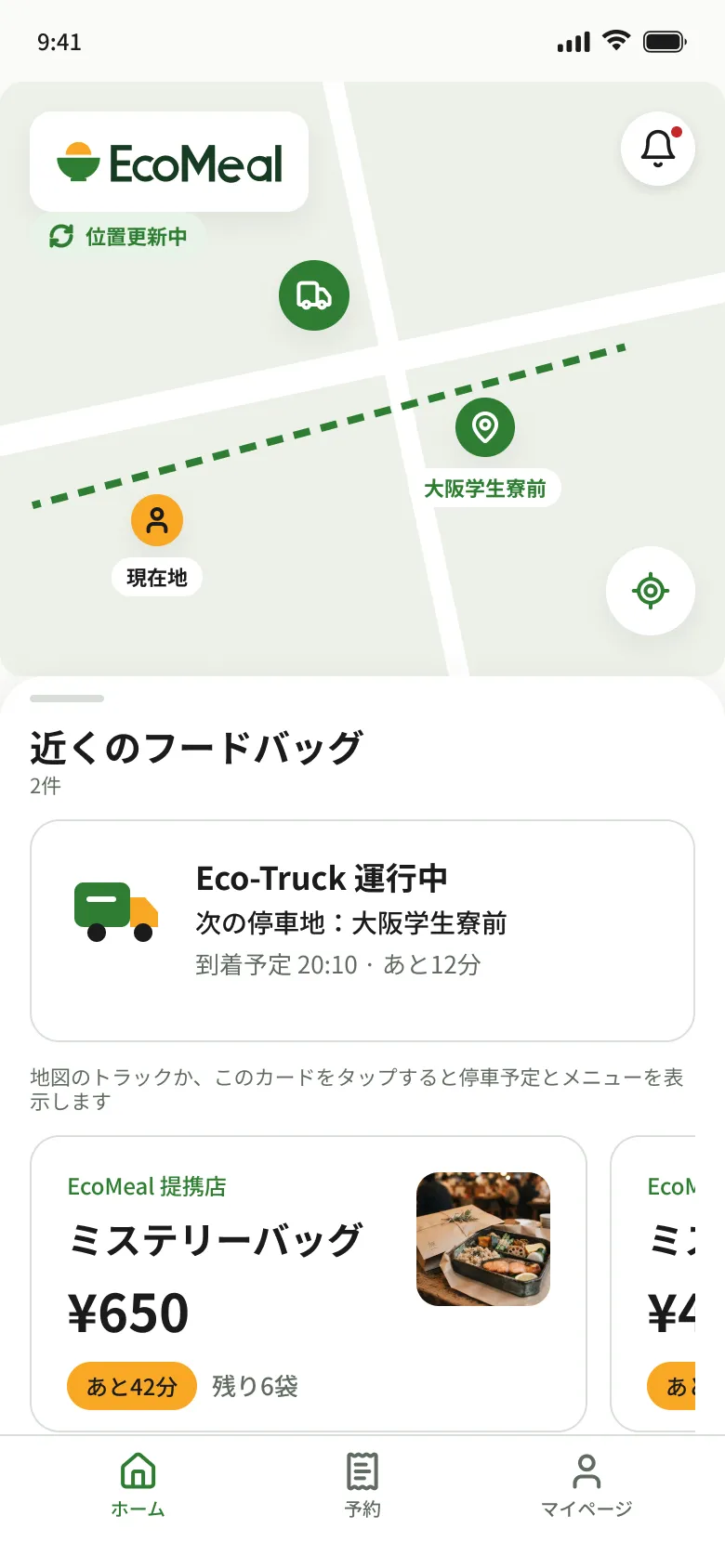
Next stop and arrival time
1 / 4
Find tonight's truck on the map
See where the truck is, its next stop and when it arrives.
Screens are in-development designs. Tap one to see it larger.
When pilot dates and pickup points are set, we will tell you first on LINE. You can also ask us about development there.
 Add us on LINE

Scan with your phone camera to open the LINE add-friend screen.
Not yet on app stores or open for public sales. Demo payments and refunds are simulated; no money is charged.
Here is what you can check in the app, and what still needs to be validated before a pilot.
FAQ & contactView sell-by times, allergens and ingredient origins. Traces of other ingredients in shared kitchens cannot be ruled out. If you are concerned about allergies, please do not purchase.
Drivers can record temperatures and photos when collecting meals. Before trial runs begin, we still need to check refrigerated transport, which food can be accepted, and how to stop sales and find affected orders if a problem occurs.
Contact the team with your order number, pickup date and time, and photos. Our FAQ also explains how to report a food-related problem.